Merlin AI vs AI Reply Writer: an AI sidebar or a reply button?
Merlin AI vs AI Reply Writer: an all-purpose AI sidebar for chat, summaries and research, versus an AI reply button inside the apps you answer messages in.

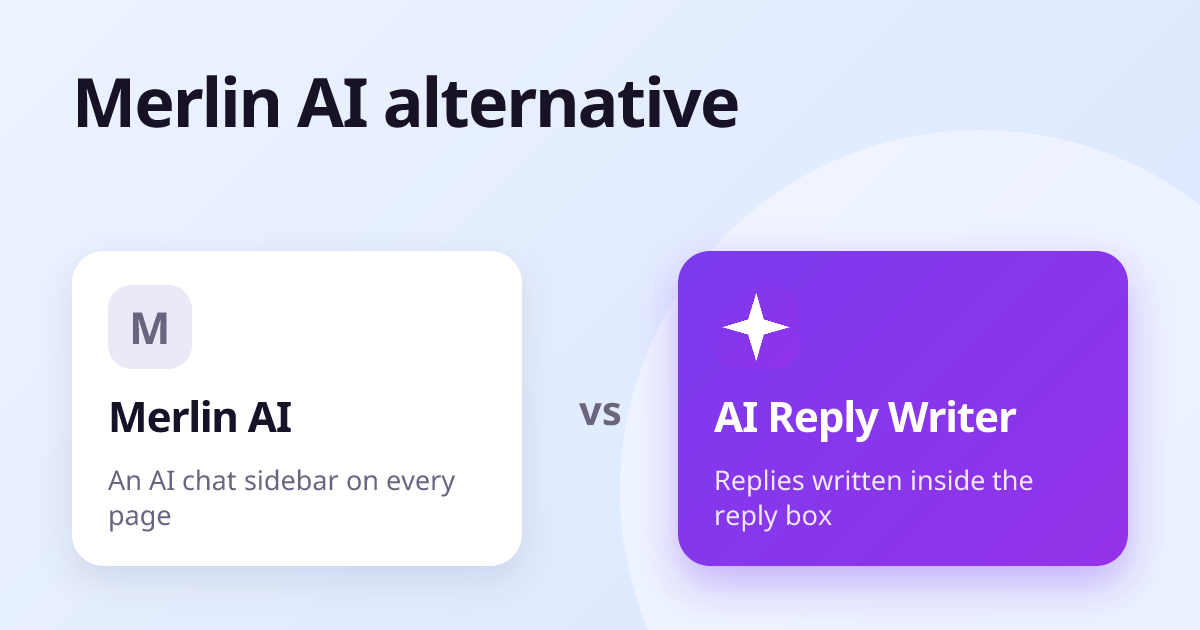
Merlin AI is an all-purpose AI assistant in a browser sidebar: you open it on any page to chat with AI models, summarise articles and videos, and draft text. AI Reply Writer is a reply tool: a button inside the reply box on 23 sites that writes the answer from the conversation on screen. Choose Merlin for research and general AI chat while you browse; choose AI Reply Writer if you want replies written in place, without copying text into a sidebar.
At a glance
| Merlin AI | AI Reply Writer | |
|---|---|---|
| What it is | An all-purpose AI assistant in a browser sidebar | An AI reply writer: a ✦ AI Reply button inside the reply box |
| Where it works | Any web page, opened from a keyboard shortcut or button | 23 sites, including Gmail, Outlook, LinkedIn, WhatsApp Web, Instagram, Facebook, Slack and Teams |
| Reads the conversation | Can read and summarise the page you are on | Yes — the thread you have open, plus photos and PDFs in Gmail, Outlook and WhatsApp Web |
| Review replies | Not a focus of the product | Yes — Google Business Profile and Trustpilot, reading the star rating |
| Free plan | Yes, with a daily usage allowance | 20 replies a month |
| Paid plans | Paid and team plans — see their pricing page | Starter $7, Elite $14, Ultra $29 a month |
| Browsers and phone | A browser extension and a web app | Chrome, Edge, Brave, Opera, Vivaldi and Firefox; a web app on phones |
| Sends anything for you? | No — you copy or insert the text | Never — it fills the box, you press Send |
What Merlin AI is
Merlin is a browser extension that puts an AI chat sidebar on every page, opened with a keyboard shortcut. From it you can ask questions about the page, summarise long articles and YouTube videos, search the web with AI, chat with documents, and draft emails or posts. It gives access to several AI models in one place.
It is a strong fit for people who use AI for research and reading as much as for writing.
What AI Reply Writer is
AI Reply Writer is narrower and deeper: it is only about replies, and it lives in the reply box itself. Press ✦ AI Reply in Gmail, LinkedIn, WhatsApp Web, Instagram or a Google review and it reads that specific conversation — who said what, which post a comment is under, the stars on a review, photos and PDFs — and writes the reply in place.
- No copy and paste: the draft appears in the box you were about to type in.
- Built per app across 23 sites, so group chats and comment threads are answered to the right person.
- Business-ready: review replies, saved business facts, and a Follow-ups list of promises made in your replies.
The main differences
Sidebar vs in place
A sidebar is flexible — it can do almost anything on any page — but replying means telling it what you are answering and moving the text back. A button in the reply box already knows the conversation and puts the reply where it belongs.
Research vs replying
Merlin's summaries, web search and page chat are useful when you are reading. AI Reply Writer does not try to be a research tool; it is built to clear an inbox and a set of chats faster.
Customers
For businesses answering customers on WhatsApp, Instagram, Facebook and review sites, AI Reply Writer's per-app reading and review replies are the deciding feature.
Pricing
Merlin has a free tier and paid plans; its current prices are on its website.
AI Reply Writer has a free plan with 20 replies a month, no card needed. Paid plans are Starter ($7 a month), Elite ($14) and Ultra ($29); higher plans unlock more advanced AI models and larger allowances, and teams can buy the same plans per member. See pricing.
Which should you choose?
- Choose Merlin AI if you want a general AI assistant for reading, research and writing on any page.
- Choose AI Reply Writer if your time goes on answering messages and you want the reply written inside each app.
About this comparison: it is based on each product's public information as of October 2026, and both products change often — check the other product's own website for its current features and prices before you decide. Product names are trademarks of their owners; AI Reply Writer is not affiliated with them.
Frequently asked questions
What is the difference between Merlin AI and AI Reply Writer?
Merlin is a general AI sidebar for chat, summaries and research on any page. AI Reply Writer is a reply tool built into the reply box on many sites, which drafts the answer from the conversation in place.
Is there a Merlin AI alternative for replying to emails and messages?
AI Reply Writer focuses on replies in Gmail, Outlook, LinkedIn, WhatsApp Web, Instagram, Facebook and more, with a free plan.
Does AI Reply Writer summarise web pages?
Its toolbar panel can summarise the page you are on, but its main job is writing replies inside each app.
Can I use Merlin and AI Reply Writer together?
Yes. They do not conflict: one for research and chat, the other for replies.