Compose AI vs AI Reply Writer: autocomplete or full replies?
Compose AI and AI Reply Writer compared: AI autocomplete as you type versus full replies drafted from the conversation — where each works and which to pick.

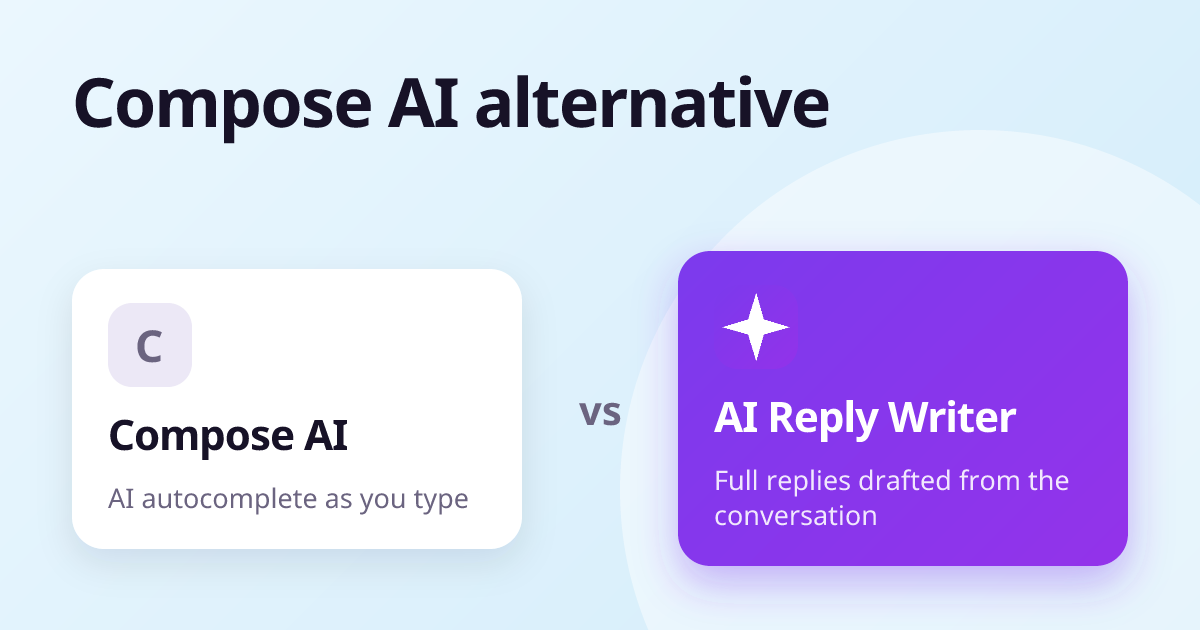
Compose AI is built around autocomplete: it predicts and finishes your sentences as you type, and writes from short "//" commands. AI Reply Writer is built around replies: you press a button in the reply box and it drafts the whole answer from the conversation on screen, on 23 sites. Choose Compose AI if you like writing yourself with AI finishing your sentences; choose AI Reply Writer if you want the first draft written for you from what the other person said.
At a glance
| Compose AI | AI Reply Writer | |
|---|---|---|
| What it is | An AI writing extension centred on autocomplete as you type | An AI reply writer: a ✦ AI Reply button inside the reply box |
| Where it works | Gmail, Google Docs, LinkedIn and many other text boxes | 23 sites, including Gmail, Outlook, LinkedIn, WhatsApp Web, Instagram, Facebook, Slack and Teams |
| Reads the conversation | Offers one-click reply suggestions in email | Yes — the thread you have open, plus photos and PDFs in Gmail, Outlook and WhatsApp Web |
| Review replies | Not a focus of the product | Yes — Google Business Profile and Trustpilot, reading the star rating |
| Free plan | Yes, with usage limits | 20 replies a month |
| Paid plans | Paid tiers with higher limits — see their pricing page | Starter $7, Elite $14, Ultra $29 a month |
| Browsers and phone | A Chrome extension | Chrome, Edge, Brave, Opera, Vivaldi and Firefox; a web app on phones |
| Sends anything for you? | No — you write and send | Never — it fills the box, you press Send |
What Compose AI is
Compose AI is an AI writing extension whose signature feature is autocomplete: as you type, it suggests how the sentence should continue, and you accept with a key press. You can also type "//" followed by an instruction to have it write a passage, rephrase text, or draft an email. It works in Gmail, Google Docs, LinkedIn and many ordinary text boxes on the web.
For people who prefer to stay in control of every sentence, autocomplete is a natural way to write faster without handing the whole message to an AI.
What AI Reply Writer is
AI Reply Writer starts from the other side of the conversation. The ✦ AI Reply button reads the message you are answering — the email thread, the LinkedIn comment, the WhatsApp chat, the Google review and its stars — and writes a complete reply in the tone and length you choose. You edit it and send it yourself.
- Built into each app separately: 23 sites, each with its own reading of the page, so a group-chat reply answers the right person.
- Reads photos and PDFs in Gmail, Outlook and WhatsApp Web.
- Short instructions when you want to steer it: "politely decline", "ask about the budget".
The main differences
You write, or it writes
Autocomplete keeps you typing; a reply generator gives you a draft to edit. The second is faster for routine replies, the first can feel more natural for long, careful writing. Many people use one style for email they compose and another for replies.
Where the help appears
Compose AI works in general text boxes. AI Reply Writer is placed specifically in each app's reply box — including WhatsApp Web, Instagram, Facebook, Slack, Teams and review sites — and reads that app's conversation structure.
Customers and reviews
If you answer customers, AI Reply Writer's review replies (Google Business Profile, Trustpilot) and saved business facts are built for that. Compose AI is a general writing tool.
Pricing
Compose AI has a free plan and paid tiers; its current prices are on its website.
AI Reply Writer has a free plan with 20 replies a month, no card needed. Paid plans are Starter ($7 a month), Elite ($14) and Ultra ($29); higher plans unlock more advanced AI models and larger allowances, and teams can buy the same plans per member. See pricing.
Which should you choose?
- Choose Compose AI if you write long emails and documents yourself and want AI to finish your sentences.
- Choose AI Reply Writer if most of your writing is replying — to email, chats, comments and reviews — across many apps.
About this comparison: it is based on each product's public information as of October 2026, and both products change often — check the other product's own website for its current features and prices before you decide. Product names are trademarks of their owners; AI Reply Writer is not affiliated with them.
Frequently asked questions
What is the difference between Compose AI and AI Reply Writer?
Compose AI focuses on autocomplete as you type. AI Reply Writer focuses on full replies drafted from the conversation you are answering, with a button in the reply box on many sites.
Is there a free alternative to Compose AI?
AI Reply Writer has a free plan with a monthly allowance of replies. Compose AI also has a free plan.
Does AI Reply Writer autocomplete sentences?
No. It writes a complete draft when you press the AI Reply button, which you then edit.
Which is better for replying to customers?
AI Reply Writer, if your customers reach you on WhatsApp, social media or review sites as well as email, because it is built into those reply boxes.