Grammarly vs AI Reply Writer: fixing what you wrote or writing the reply?
Grammarly vs AI Reply Writer: a grammar and tone checker with generative AI, versus an AI reply button in the reply box — which you need, and when to use both.

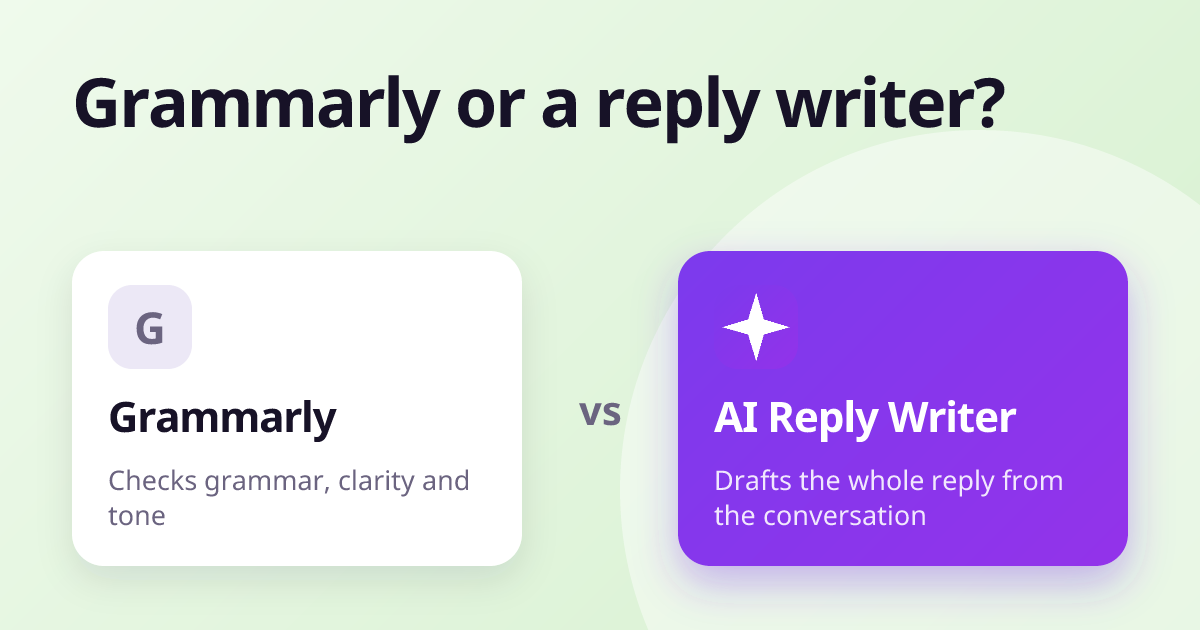
Grammarly is a writing checker: it corrects grammar, spelling, clarity and tone wherever you type, and adds generative AI for rewriting and drafting. AI Reply Writer is a reply writer: it reads the message you are answering and drafts the reply for you, on 23 sites. They solve different problems, and many people use both — Grammarly to polish what they write themselves, AI Reply Writer to get the first draft of a reply in seconds.
At a glance
| Grammarly | AI Reply Writer | |
|---|---|---|
| What it is | A writing checker for grammar, clarity and tone, with generative AI | An AI reply writer: a ✦ AI Reply button inside the reply box |
| Where it works | Most websites, plus desktop apps and a mobile keyboard | 23 sites, including Gmail, Outlook, LinkedIn, WhatsApp Web, Instagram, Facebook, Slack and Teams |
| Reads the conversation | Its AI can help reply to emails and messages | Yes — the thread you have open, plus photos and PDFs in Gmail, Outlook and WhatsApp Web |
| Review replies | Not a focus of the product | Yes — Google Business Profile and Trustpilot, reading the star rating |
| Free plan | Yes — grammar checks and a monthly allowance of AI prompts | 20 replies a month |
| Paid plans | Paid and business plans — see their pricing page | Starter $7, Elite $14, Ultra $29 a month |
| Browsers and phone | Major browsers, Windows and Mac apps, mobile keyboard | Chrome, Edge, Brave, Opera, Vivaldi and Firefox; a web app on phones |
| Sends anything for you? | No — you write and send | Never — it fills the box, you press Send |
What Grammarly is
Grammarly is the best-known writing checker. As you type, it underlines spelling and grammar mistakes, suggests clearer phrasing, and flags tone. Its generative AI can rewrite a paragraph, change its tone, or draft text from a prompt, including replies to emails. It works on most websites through the browser extension, and in desktop apps and on phones through its own apps and keyboard.
Its strength is breadth and accuracy of correction: it is useful for anything you write, from a cover letter to a report.
What AI Reply Writer is
AI Reply Writer is not a grammar checker. It is a reply writer: the ✦ AI Reply button sits in the reply box of 23 sites, reads the conversation — including photos and PDFs in email and WhatsApp Web, and the star rating on a review — and writes a complete reply in your chosen tone and length. You edit and send it.
- Writes the reply from scratch, rather than correcting one you wrote.
- Knows each app: a group-chat message, a LinkedIn comment, a Google review.
- Replies in the sender's language, including Roman Urdu and Roman Hindi.
The main differences
Correcting vs drafting
Grammarly makes your own writing better. AI Reply Writer saves you writing the reply in the first place. If you are a confident writer who wants a safety net, Grammarly fits; if you spend hours a day answering the same kinds of messages, a reply writer saves more time.
Context
AI Reply Writer is built to read the specific conversation in each app before it writes — who said what in a group, which post a comment sits under, how many stars a review gave. A general writing assistant sees mainly the text box you are in.
Using both
They do not conflict. A common setup is AI Reply Writer for the draft and Grammarly for a final check on longer messages. For other correction tools, see Grammarly alternatives.
Pricing
Grammarly has a free plan and paid individual and business plans; its current prices are on its website.
AI Reply Writer has a free plan with 20 replies a month, no card needed. Paid plans are Starter ($7 a month), Elite ($14) and Ultra ($29); higher plans unlock more advanced AI models and larger allowances, and teams can buy the same plans per member. See pricing.
Which should you choose?
- Choose Grammarly if you mainly want your own writing corrected and polished everywhere, including desktop apps and your phone.
- Choose AI Reply Writer if your problem is the number of replies — emails, chats, comments, reviews — rather than their grammar.
- Use both if you want drafts written for you and checked before they go out.
About this comparison: it is based on each product's public information as of October 2026, and both products change often — check the other product's own website for its current features and prices before you decide. Product names are trademarks of their owners; AI Reply Writer is not affiliated with them.
Frequently asked questions
Is AI Reply Writer a Grammarly alternative?
For replying, yes; for grammar checking, no. AI Reply Writer drafts replies from the conversation, while Grammarly corrects and improves what you write.
Can Grammarly write email replies?
Grammarly's generative AI can help draft and rewrite text, including replies. AI Reply Writer is focused on replies and is built into the reply box on many sites, including social apps and review sites.
Can I use Grammarly and AI Reply Writer together?
Yes. They do different jobs and work side by side: AI Reply Writer drafts the reply, Grammarly checks the final text.
Which is better for business messages?
For answering customers on WhatsApp, social media and review sites, AI Reply Writer. For polishing reports, proposals and long emails you write yourself, Grammarly.