Grammarly alternatives: 8 writing tools like Grammarly, free and paid
Looking for websites or apps like Grammarly? Eight alternatives compared by what they do best: grammar, rewriting, style, readability and replies.

The closest alternatives to Grammarly are LanguageTool (strong in many languages), ProWritingAid (detailed style reports) and QuillBot (paraphrasing plus a grammar checker). Hemingway Editor is best for making writing simpler, Wordtune for rewriting sentences, and your word processor's built-in checker may already be enough. If what slows you down is writing the reply in the first place, a reply tool such as AI Reply Writer drafts the whole message instead of correcting it.
What to look for in a Grammarly alternative
People look for something like Grammarly for different reasons: the price, a language Grammarly handles less well, a wish for fewer suggestions — or more. Decide which matters to you before comparing:
- Languages. Do you write in more than English?
- Where it works. Browser, Google Docs, Word, email, phone keyboard.
- What it changes. Fixing errors, rewriting sentences, or writing from scratch are three different jobs.
- Privacy. A writing assistant sees everything you type. Read its privacy policy, especially for work writing.
Plans and limits change often, so the notes on free versions below describe the time of writing — check each site before you decide.
The 8 best Grammarly alternatives
1. LanguageTool — best for writing in several languages
LanguageTool checks grammar, spelling and style in many languages, not only English, and works as a browser extension and in office apps. It offers a free version. Choose it if you switch between English and another language during the day.
2. ProWritingAid — best for long-form and style
ProWritingAid goes beyond corrections with reports on overused words, sentence length, repetition and pacing. Writers of reports, theses and fiction tend to like it. It has a limited free version.
3. QuillBot — best for paraphrasing
QuillBot is best known for rewording sentences in different modes — more formal, shorter, simpler — and also includes a grammar checker. It has a free version with limits.
4. Hemingway Editor — best for clear, simple writing
Hemingway highlights long sentences, passive voice and complicated words, and shows a readability grade. It tells you what is hard to read rather than fixing it for you. There is a free web version.
5. Wordtune — best for rewriting sentences
Wordtune suggests alternative versions of a sentence you have written — clearer, shorter, more casual or more formal. Useful when a sentence is correct but not quite right.
6. Your built-in checker — free and already there
Google Docs and Microsoft Word both include spelling and grammar checking. For many people writing short emails and documents, that is enough, and nothing new can read your writing.
7. Ginger — a simple grammar checker
Ginger corrects grammar and spelling and offers sentence rephrasing. A straightforward option if you want corrections without many extra features.
8. AI Reply Writer — when the hard part is the reply itself
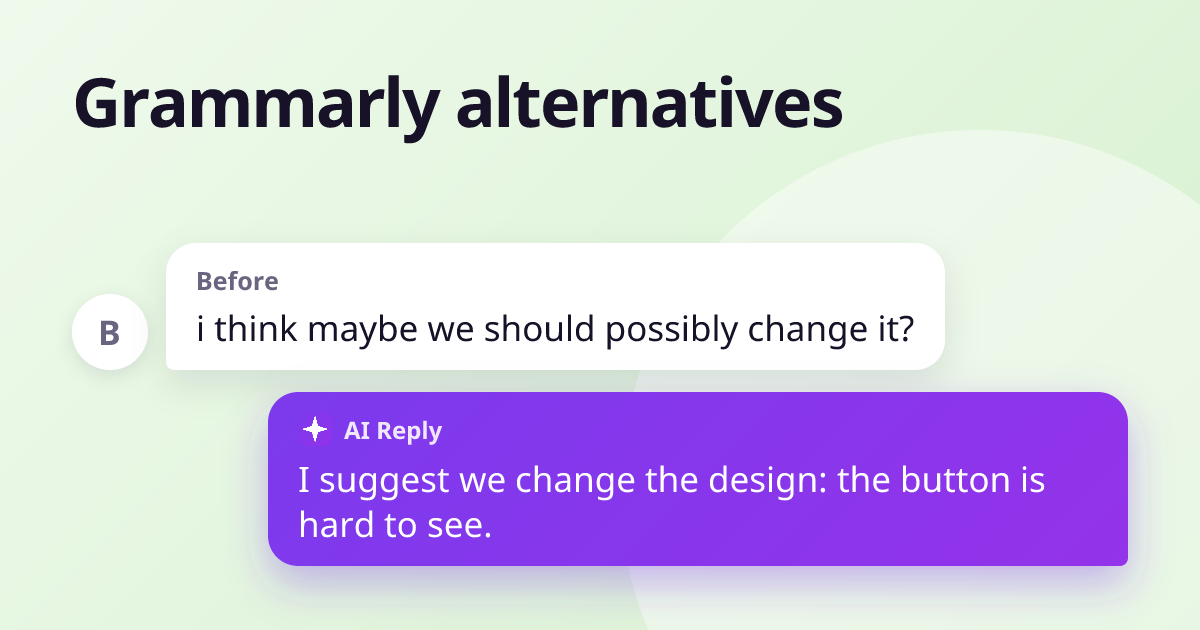
Grammarly and the tools above improve text you have already written. AI Reply Writer does a different job: it reads the conversation on screen — an email in Gmail, a message on LinkedIn or WhatsApp Web — and drafts the whole reply, with grammar and spelling already right. You pick the tone and length, edit, and send it yourself. It works on 23 sites and the free plan includes 20 replies a month. Choose it if you spend more time deciding what to say than fixing how you said it.
Which one should you pick?
- Mostly English, want corrections as you type: Grammarly or LanguageTool.
- You write in several languages: LanguageTool.
- Long documents and style: ProWritingAid.
- Make it simpler: Hemingway Editor.
- Reword a sentence: QuillBot or Wordtune.
- Answer messages faster: AI Reply Writer — and keep a grammar checker if you also write long documents.
Avoid running two tools that both rewrite text in the same box — their suggestions overlap and conflict. For more on writing better messages, see how to polish a message.
Frequently asked questions
What is the best free alternative to Grammarly?
LanguageTool is the closest free alternative for grammar and spelling, especially if you write in more than one language. The checker built into Google Docs or Word is a good free option for simple documents.
Is there a Grammarly alternative without AI?
Traditional grammar checkers such as the ones built into Word and Google Docs, and rule-based tools such as Hemingway Editor, highlight problems without generating new text for you.
Can I use two grammar checkers at once?
You can, but it is not recommended in the same text box. Their suggestions overlap and can conflict, and each one is another service that reads what you type.
Is a reply generator the same as a grammar checker?
No. A grammar checker corrects text you wrote. A reply generator such as AI Reply Writer reads the message you received and drafts a complete reply, which you then edit.