Jetwriter AI vs AI Reply Writer: which AI reply tool fits you?
Jetwriter AI (formerly ChatGPT Writer) compared with AI Reply Writer: where each works, how they reply, free plans, pricing, and which one to choose.

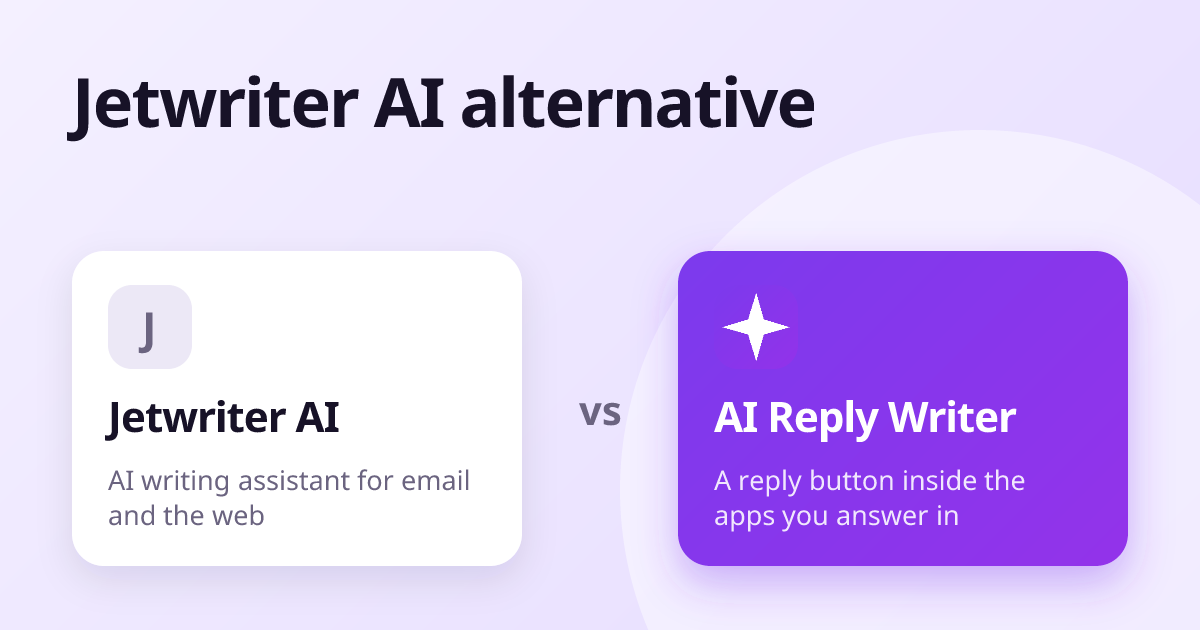
Jetwriter AI and AI Reply Writer are both Chrome extensions that draft replies with AI. Jetwriter is a broad writing assistant built around email, with page chat, summaries and grammar fixes on top. AI Reply Writer is built around one job — a reply button inside the reply box on 23 sites, from Gmail and LinkedIn to WhatsApp Web, Instagram and Google reviews. Choose Jetwriter for an all-round AI writing helper; choose AI Reply Writer if most of your day is answering messages in many different apps.
At a glance
| Jetwriter AI | AI Reply Writer | |
|---|---|---|
| What it is | An AI writing assistant extension for email and the web, formerly called ChatGPT Writer | An AI reply writer: a ✦ AI Reply button inside the reply box |
| Where it works | Gmail and other sites such as LinkedIn, Outlook and Slack, plus a web app | 23 sites, including Gmail, Outlook, LinkedIn, WhatsApp Web, Instagram, Facebook, Slack and Teams |
| Reads the conversation | Yes for email replies; in Gmail it can also learn from your past sent emails | Yes — the thread you have open, plus photos and PDFs in Gmail, Outlook and WhatsApp Web |
| Review replies | Not a focus of the product | Yes — Google Business Profile and Trustpilot, reading the star rating |
| Free plan | Yes, with a limited number of responses a month | 20 replies a month |
| Paid plans | Several paid tiers — see their pricing page | Starter $7, Elite $14, Ultra $29 a month |
| Browsers and phone | Chrome, Edge, Brave, Opera and Vivaldi; an Android app | Chrome, Edge, Brave, Opera, Vivaldi and Firefox; a web app on phones |
| Sends anything for you? | You review drafts before sending | Never — it fills the box, you press Send |
What Jetwriter AI is
Jetwriter AI began as ChatGPT Writer, one of the first extensions to bring AI replies into Gmail, and was renamed in late 2025. Today it is a general AI writing assistant: it drafts email replies, lets you ask questions about the page you are reading, summarises text, fixes grammar, and offers a chat window. In Gmail it can reference your past sent emails to match your writing style, and it can prepare drafts in advance.
It offers a choice of current AI models, and its site lists a bring-your-own-key option for people who already pay for an AI provider. Besides Chromium browsers it has an Android app.
What AI Reply Writer is
AI Reply Writer does one thing everywhere: you press the ✦ AI Reply button in the box you are about to type into, and it writes the reply from the conversation on screen. That button is built separately into each of 23 sites, so it knows the difference between a Gmail thread, a LinkedIn comment, a WhatsApp group message and a one-star Google review.
- Reads more than text: photos and PDFs in Gmail, Outlook and WhatsApp Web, and the image in an Instagram or Facebook post.
- Review replies on Google Business Profile and Trustpilot that read the stars as well as the words.
- Replies in the sender's language and script, including Roman Urdu and Roman Hindi.
- A Follow-ups list of promises picked up from your replies — what you owe, and what you are owed.
The main differences
Breadth of apps vs breadth of features
Jetwriter goes wide on features — chat, page questions, summaries, grammar. AI Reply Writer goes wide on places: its button sits natively in social apps, chat apps and review sites as well as email. If your replies are spread across WhatsApp, Instagram, LinkedIn and Google reviews, that difference matters more than any single feature.
Email depth
For heavy Gmail users, Jetwriter's style learning from past sent emails and its pre-written drafts are genuine strengths. AI Reply Writer reads the whole thread and its attachments and lets you set tone and length, but it writes when you press the button rather than in advance.
Customer messages and reviews
AI Reply Writer is built for businesses answering customers: review replies that change with the star rating, saved business facts (prices, delivery areas, policies) that replies quote instead of inventing, and WhatsApp Web replies that read photos and documents customers send.
Pricing
Both products have a free plan and paid tiers. Jetwriter's current prices are on its own pricing page.
AI Reply Writer has a free plan with 20 replies a month, no card needed. Paid plans are Starter ($7 a month), Elite ($14) and Ultra ($29); higher plans unlock more advanced AI models and larger allowances, and teams can buy the same plans per member. See pricing.
Which should you choose?
- Choose Jetwriter AI if you want one AI assistant for email plus page chat, summaries and grammar, you live mainly in Gmail, or you want an Android app or to bring your own API key.
- Choose AI Reply Writer if you answer messages across many apps — email, LinkedIn, WhatsApp, Instagram, Facebook, Slack — or reply to Google and Trustpilot reviews for a business.
- Try both. Each has a free plan, so the quickest test is to answer a day's messages with each.
About this comparison: it is based on each product's public information as of October 2026, and both products change often — check the other product's own website for its current features and prices before you decide. Product names are trademarks of their owners; AI Reply Writer is not affiliated with them.
Frequently asked questions
Is Jetwriter AI the same as ChatGPT Writer?
Yes. ChatGPT Writer was renamed Jetwriter AI in late 2025.
What is the difference between Jetwriter AI and AI Reply Writer?
Jetwriter is a general AI writing assistant centred on email, with chat, summaries and grammar tools. AI Reply Writer focuses on replies, with a reply button built into the reply box on many sites, including social apps, WhatsApp Web and review sites.
Is there a free alternative to Jetwriter AI?
AI Reply Writer has a free plan with a monthly allowance of replies and no card required. Jetwriter also has a free plan.
Does AI Reply Writer work on WhatsApp Web and Instagram?
Yes. It works on WhatsApp Web, Instagram, Facebook, Messenger, LinkedIn, Gmail, Outlook and more, always as a draft you edit and send yourself.