The best AI reply generators and writing extensions for Chrome, compared
Eleven AI reply and writing tools compared by what they do best — reply writers, autocomplete, rewriting, sidebars, agents and built-in Gmail and Outlook AI.

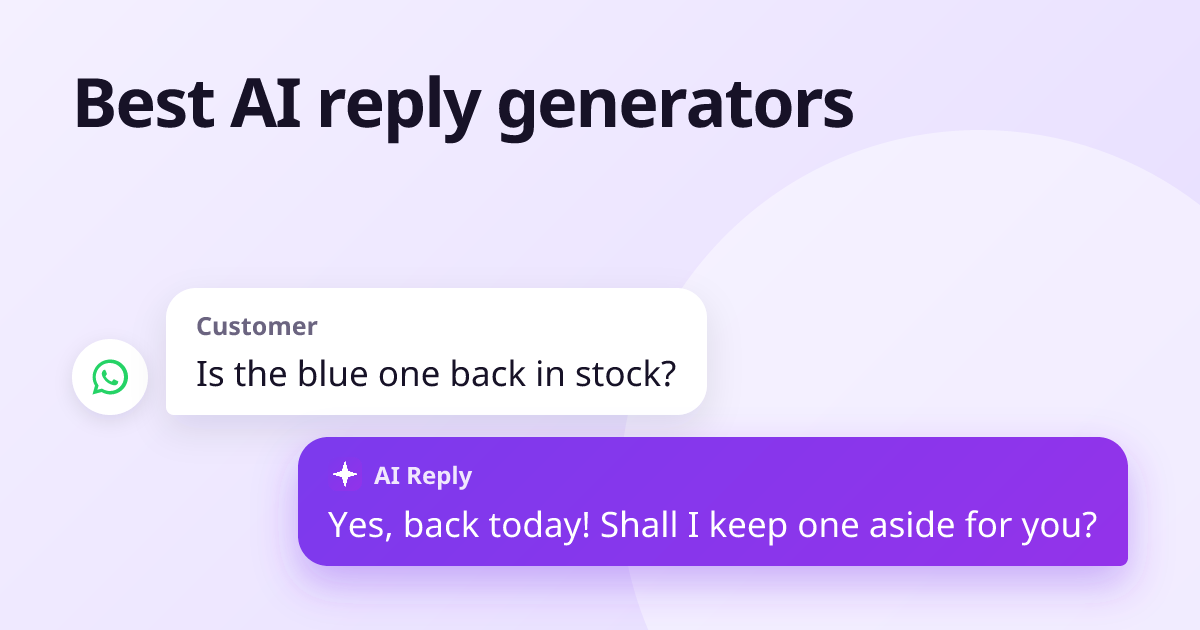
The right AI reply tool depends on where your replies go. For replies across many apps — email, LinkedIn, WhatsApp, Instagram and reviews — a dedicated reply writer such as AI Reply Writer fits best. For email-centred writing with extra tools, Jetwriter AI; for autocomplete, Compose AI; for correcting your own writing, Grammarly, Wordtune or QuillBot; for an AI sidebar or agent, Merlin, HARPA or TextCortex; and if you only use Gmail or Outlook, their built-in AI may be enough.
The tools at a glance
| Tool | What it is | Best for |
|---|---|---|
| AI Reply Writer | A reply button in the reply box on 23 sites | Replies across email, social, chat and reviews |
| Jetwriter AI | AI writing assistant, formerly ChatGPT Writer | Email-centred writing, plus page chat and summaries |
| Compose AI | AI autocomplete as you type | Writing faster in your own words |
| Grammarly | Grammar, clarity and tone checker with AI | Correcting what you write, everywhere |
| Wordtune | Sentence rewriting suggestions | Finding better phrasing |
| QuillBot | Paraphraser, grammar, summary, translation | Students and long-form writing |
| Merlin AI | An AI chat sidebar on every page | Research, summaries and general AI chat |
| HARPA AI | AI agent and browser automation | Power users automating tasks |
| TextCortex | AI assistant with toolbar and templates | Broad writing and knowledge work |
| Gemini in Gmail | Google's AI built into Gmail | Google Workspace users |
| Copilot in Outlook | Microsoft's AI built into Outlook | Organisations licensing Microsoft 365 Copilot |
Each name links to a full side-by-side comparison with AI Reply Writer.
Five kinds of AI writing tool
"AI reply generator" covers tools that work in very different ways. Knowing which kind you need narrows the choice quickly:
- Reply writers read the message you are answering and draft the whole reply. Best when most of your writing is answering people.
- Autocomplete tools finish your sentences as you type. Best when you want to keep writing yourself, faster.
- Correctors and rewriters improve text you have written — grammar, tone, phrasing. Best as a final check.
- Sidebars and agents are general AI assistants on every page, sometimes with automation. Best for research and power users.
- Built-in AI in Gmail and Outlook works inside one app, depending on your plan. Best if you live in one app.
How to choose
- Where do your replies go? If it is more than email — WhatsApp, LinkedIn, Instagram, Facebook, Slack, reviews — pick a tool that works in all of them, or you will juggle three.
- Do you want a draft, or help with your own words? Reply writers give drafts; autocomplete and rewriters keep your words.
- Does it read the conversation? A reply that ignores what the other person asked is not a time-saver.
- Does it send anything for you? On platforms with automation rules, such as LinkedIn, a tool that only fills the box is the safe choice.
- What does the free plan include? Try two tools on a real day of messages before paying for either.
Why we built AI Reply Writer as a reply writer
We are obviously not neutral here, so here is the case plainly. Most people do not need another AI chat window; they need the next reply written. AI Reply Writer puts one button in the reply box of 23 sites, reads the conversation — including photos, PDFs and review stars — writes in the sender's language, and never sends anything for you. The free plan includes 20 replies a month. If your writing is mostly documents rather than replies, one of the other tools above will suit you better.
About this comparison: it is based on each product's public information as of October 2026, and both products change often — check the other product's own website for its current features and prices before you decide. Product names are trademarks of their owners; AI Reply Writer is not affiliated with them.
Frequently asked questions
What is the best AI reply generator for Gmail?
For Gmail alone, Gmail's built-in Gemini features or an email-focused extension can be enough. If you also reply on LinkedIn, WhatsApp Web, Outlook or social media, a reply writer that works in all of them, such as AI Reply Writer, saves switching tools.
What is the best free AI reply generator?
Most tools in this list have a free plan with limits. AI Reply Writer's free plan includes a monthly allowance of replies across all its supported sites.
Is an AI reply generator safe to use on LinkedIn?
Tools that only write a draft you send yourself are low risk. Tools that send messages or connection requests automatically can break LinkedIn's rules.
What is the difference between an AI reply generator and a grammar checker?
A reply generator writes the reply from the message you received. A grammar checker improves a reply you wrote yourself.